
Imagein.Virtualmachineout.

Turn any Linux cloud image or Docker image into a real, isolated machine on hardware you own. Sealed by default, reversible in one reboot, and free on a single host.

Images all the way down.
The host, the machines, the apps.

One idea runs through the whole platform. Every layer starts as an image and is replaced by swapping that image — so nothing is assembled by hand, nothing drifts over time, and anything you change can be put back.

The host
is an image.

Install one sealed, read-only image on bare metal — an appliance, not a distribution to maintain. Upgrades swap it atomically, and one reboot puts the previous one back.

Every machine
starts from one.

Pick a Linux cloud image or a Docker image and get a running machine. No install media, no setup wizard to click through, no converting anything by hand.

Every app gets
its own machine.

The boundary around a workload is hardware virtualization, not a namespace or a cgroup. One workload getting loose does not become every workload getting loose.

Three standouts.
Everything else a serious host needs, built in.

Any Docker image,
as its own machine.

Take any Docker or OCI image and boot it as a real, hardware-isolated machine with its own kernel. Not a container sharing the host, and no manual conversion — the VM is the boundary.
BoundaryHardware VM
IsolationOwn kernel
ConversionZero
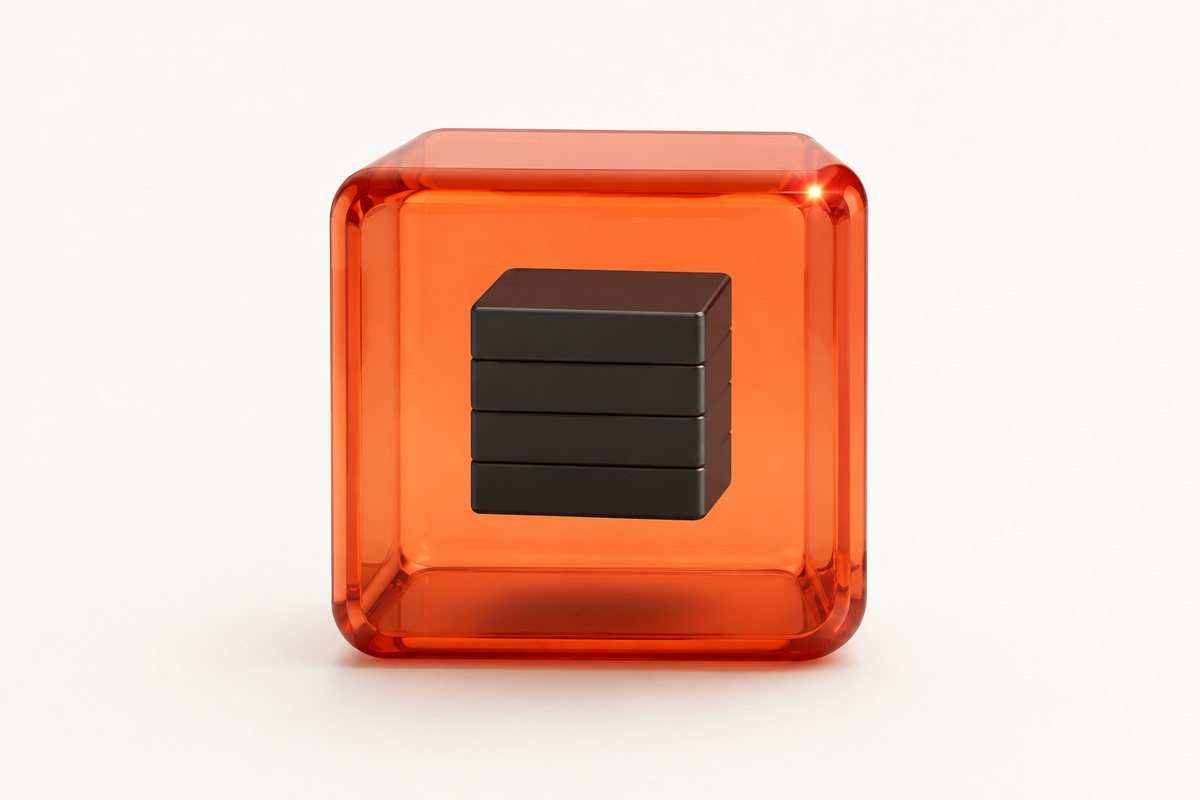
A container image nested inside a transparent orange machine boundary.

A sealed host.
Undo just as fast.

The host system is a read-only image — an appliance, not a distribution you have to keep maintained. Every release is checked byte for byte against the receipt its build produced. Upgrades are an atomic swap to a new revision; the previous one stays ready. If something looks wrong, one reboot rolls the whole host back — no half-applied states.
UpgradeAtomic swap
Rollback1 reboot
DriftZero
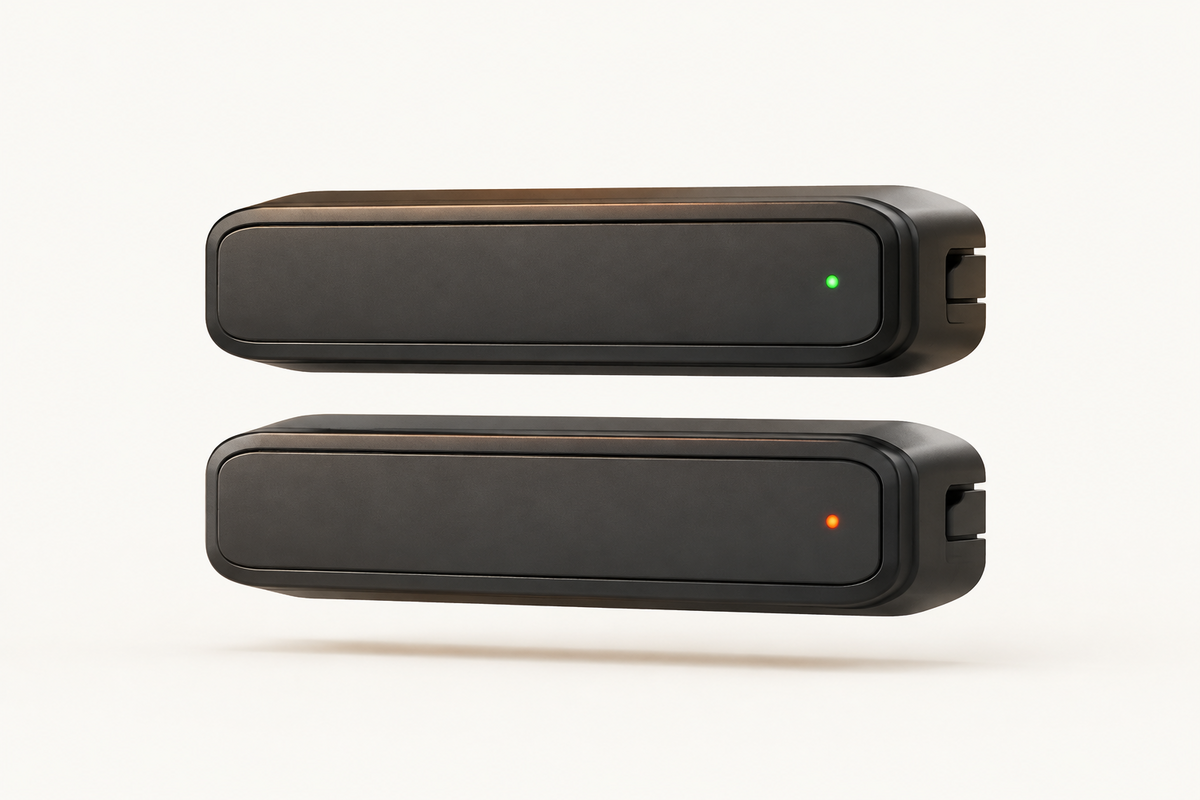
Two sealed cartridges stacked; one lit as live, the other staged.

Fewer parts.
Less to break.

You don't wire together Kubernetes, a container runtime, a networking plugin, and a storage plugin — then keep them all alive. Virtainer is one platform to install, one to run, one to update.

Services1 · host
PluginsNone
To runOne thing
A tall stack of many mismatched pieces beside a single solid orange monolith.
And the essentialsEverything else a serious host needs, included by default.

Full VM & AppVM.

A complete Linux server, or any Docker image running as a real machine.

Resilient by default.

Pool your drives with redundancy. A dead disk loses nothing; warnings arrive before failure.

Real L2 bridge.

Every machine gets a real spot on your network, with optional anti-spoofing and port isolation.

Caps and quotas.

CPU, memory, and disk I/O bounds per machine, with safe oversubscription.

Four numbers,
that shape the deal.

$0forever, on a single host
0per-core license fees
1reboot to roll back the host
1None host today, clusters on Pro

Two editions.
Two jobs.

Free — one server

Homelabs, dev and test, single-server production

A serious platform without the licensing or the labyrinth. Free, forever, on the host you already own.

Pro — multi-host cluster Coming soon

Teams running a fleet

Workloads that survive a failed server, managed from one place. A separate edition for clusters.

One host, free forever.
Clusters when you need them.

Install the complete single-host appliance today. Free is the single-host edition, generally available and free with no license keys. Pro is a separate edition for multi-host clusters, priced when it ships.

Generally available

Free

$0 forever

For one physical server, labs, pilots, and any team that wants real VM isolation without per-core licensing.

  • Full Linux VMs & AppVM (Docker as a real machine)
  • Atomic host updates & one-reboot rollback
  • Built-in web console, terminal, and SSH
  • Resilient pooled storage & disk warnings
  • L2 bridged networking, anti-spoofing, port isolation
  • Batch create & reusable machine templates
Get Virtainer free
Coming soon

Pro

Priced at launch

A separate edition for running a multi-host cluster as one system.

  • Manage a multi-host cluster from one place
  • Recover workloads after host failure
  • Move workloads between hosts
Join the Pro waiting list

Common questions.

01Is Virtainer really free?+
Virtainer Free is free forever and generally available. It runs an unlimited mix of VMs and AppVMs on a single host you own, with no per-core licensing, no per-VM licensing, and no vendor phone-home.
02What is the difference between a VM and an AppVM?+
A VM boots a full Linux cloud image. An AppVM takes any Docker or OCI image and runs it as a real, hardware-isolated machine — so a container workload gets machine-grade isolation without you converting anything by hand.
03Do I need Kubernetes or a separate control plane?+
No. Virtainer Free runs on a single host with no Kubernetes and no plugin sprawl. You install one host appliance and manage every VM and AppVM from its built-in web UI.
04How do I roll back a host upgrade?+
Host upgrades are an atomic image switch. If an upgrade looks wrong, a single reboot rolls the host back to the previous image — a change is reversible in one reboot.
05Can I snapshot a running VM?+
Yes. Take one from a stopped machine, or from one that keeps running by choosing how consistent the capture must be: crash-consistent, equivalent to the disks after a power cut, or filesystem-quiesced, which pauses guest writes through the guest agent for the instant of the capture. A snapshot never holds live memory or running state, and restoring one leaves the machine stopped. Snapshots share the storage pool with the machine they protect, so they undo a change you are about to make rather than survive a disaster — backups that leave the host are a separate thing.
06Will it run on my hardware?+
Virtainer ships as a self-contained appliance image on a current Linux kernel, so it supports commodity server and workstation hardware broadly — including network cards that stricter enterprise compatibility lists leave out. It needs a 64-bit x86 machine with hardware virtualization enabled in firmware.
07Can Virtainer run across multiple hosts?+
Multi-host clustering is the upcoming Pro edition, a separate product for teams running a fleet. Free is single-host today, with workloads movable between hosts on Pro.

Run your own machines,
your own way.